

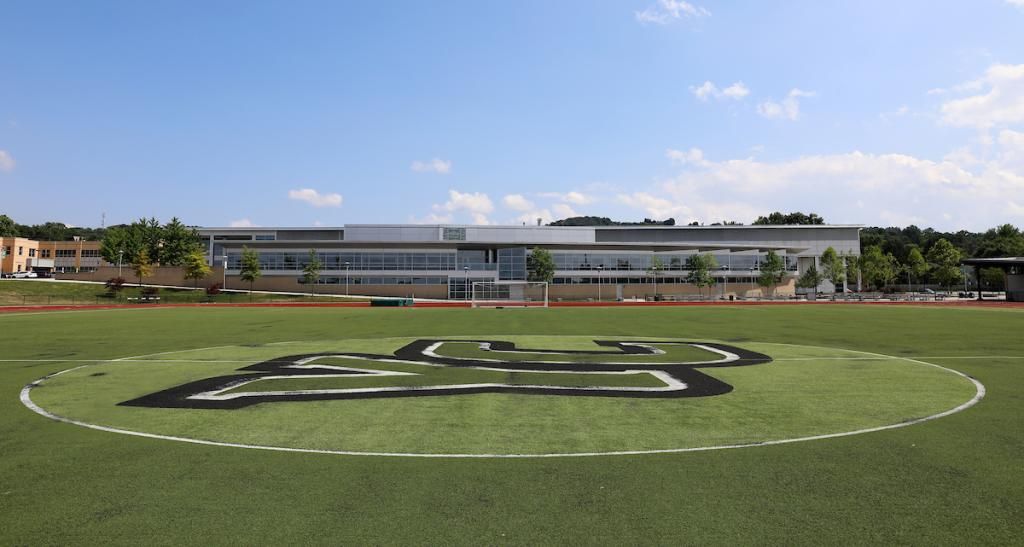
If you love playing sports or having some organized fun with friends, our intramural program is exactly what you want. We’ve got sports ranging from dodgeball to basketball to flag football so there will be something right for you.
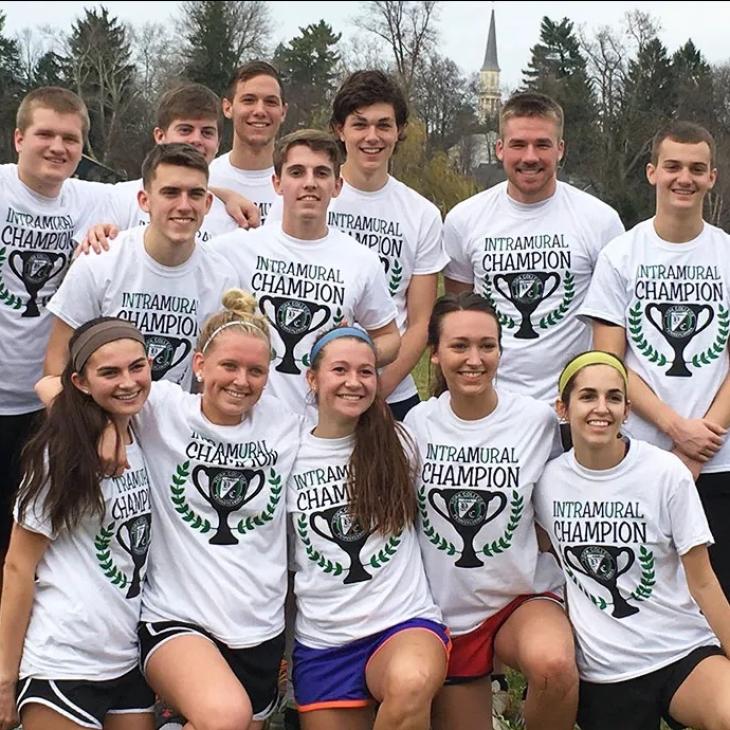
There’s a little bit of glory up for grabs, not to mention a coveted Intramurals champion shirt for each winning team — those shirts are highly sought after and not so easy to obtain! You’ll find that our intramural participants are among our most engaged students on campus. They like the fact they can exercise, gain some leadership and teamwork skills, and have fun, too.
We offer over 20 intramural activities throughout each academic year. To view our current offerings and registration dates, visit IMLeagues.
Registration and Scheduling
We use the premiere Intramural registration and scheduling website, IMLeagues. This helps you keep track of what’s going on and easily register for upcoming events—all participants need to sign up. We even have a custom App called "YCP Rec" powered by IMLeagues, so you have all the intramural information at your fingertips.
Intramurals FAQ
All full-time students, faculty and staff with a valid YCP ID are eligible to participate in York College Intramurals. Varsity athletes are not eligible for participation in any related sports in the Intramural Program within the academic year they were on a varsity roster. (Ex. Varsity baseball or softball players may not participate in Intramural softball). A player who begins an intercollegiate season on a varsity roster, but does not finish the season as a member of that team, is still considered a Varsity athlete for the remainder of that academic year.
York College Intramurals uses IMLeagues for all of our registration and scheduling needs. In order to sign up for an activity, every participant must create an IMLeagues account. To learn how to create your account follow these steps: IMLeagues Signup Steps. If you have any problems please contact campusrec@ycp.edu.
Each team must pay a forfeit deposit prior to the start of each league. The team captain will receive a message regarding the due date for this deposit once the team is created. This deposit will be returned at the end of each season if a team does not forfeit a game. This helps keep the number of forfeits to a minimum by ensuring the teams who are registering want to play.
If you do not have enough players to form a team but want to participate, you can still register as a "Free Agent." Once you have created your IMLeagues account, click on the sport and league in which you want to participate. Click on the "Join As Free Agent" link (next to "Create a Team" ) and follow the steps to be added to the "Free Agent" list. This enables captains of current teams to contact you if they wish to add you to their team.
You will have the option to select your game day and time for regular season play. When registering a team on IMLeagues you will have the option to select your availability. If your team has a scheduled game and knows they will not have enough players to play the game, you can use your one default. With this default you must notify the campus recreation staff (campusrec@ycp.edu) by 12pm the day of your game that you will not be able to make that game. By doing this, your team will receive a loss, but will not lose the forfeit deposit.
All schedules will be available on IMLeagues.
Times and location varies and can be found in the rules for each sport and/or on the league schedule. Indoor sports take place in the Grumbacher Sport & Fitness Center, while outdoor sports take place on Graham and Kinsley fields.
The winner of each sport/event will receive the coveted Intramural Champions T-shirt. The Championship T-shirt changes every year.
If you are interested in becoming an Intramural official, check out our job postings on Handshake for openings.